3D kitchen designer
Design your kitchen in 3D. Free.
Draw your room, drop in real STL Cabinetry cabinets, and look at the whole thing in 3D before you spend a dollar. It runs in your browser, so there is nothing to download.
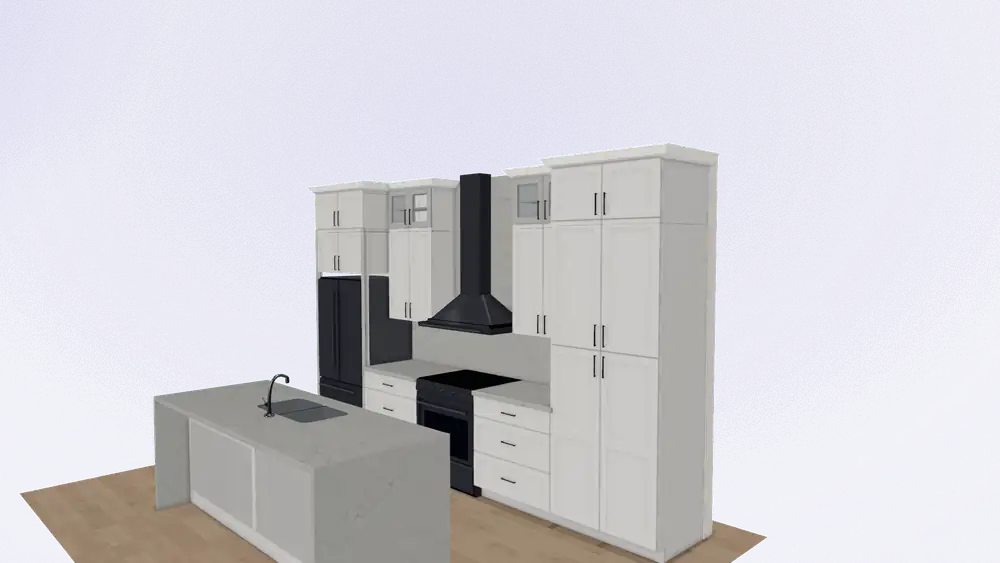
Free to use. No account needed to get a quote. Works best on a laptop or desktop.
How it works
Three steps, start to quote.
- 01
Draw your room
Set your walls, doors, and windows to the inch. A few minutes gets you a room that matches the one you are standing in, and you can adjust any of it later.
- 02
Place real cabinets and pick a door style
Every cabinet in the tool is a real STL Cabinetry size, so what you lay out is what we can build. Switch between 18 door styles across 4 collections and watch the whole room change.
- 03
Get a free quote on your exact design
When it looks right, send it over from inside the tool. Our team prepares a free quote on the design you built and follows up with you directly.
Door styles
Try every door on your own kitchen.
The full lineup is loaded into the tool. Change the door style and the whole room updates, so you can compare white oak against navy on your actual layout instead of guessing from a swatch.
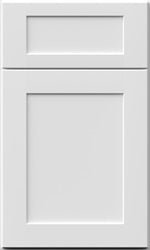
Shaker White

Shaker Navy Blue
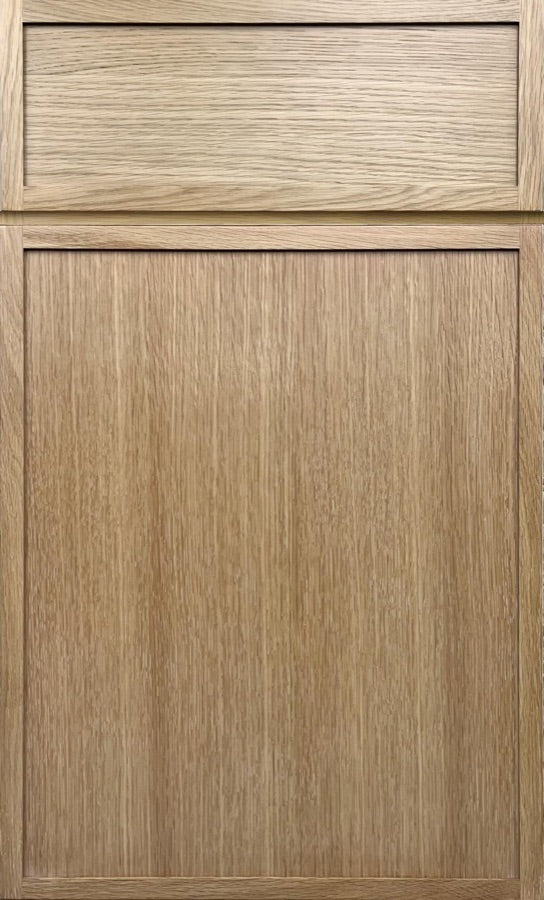
Micro Shaker White Oak
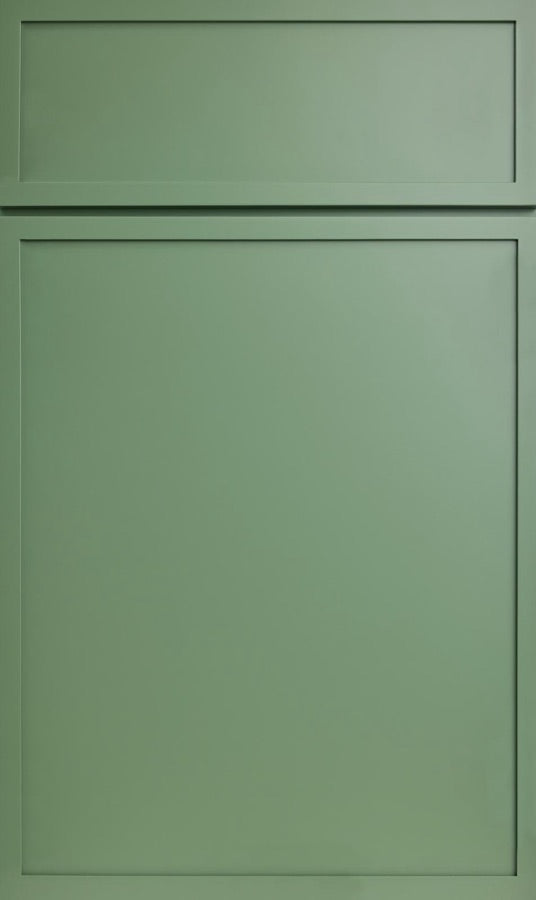
Micro Shaker Sage Green
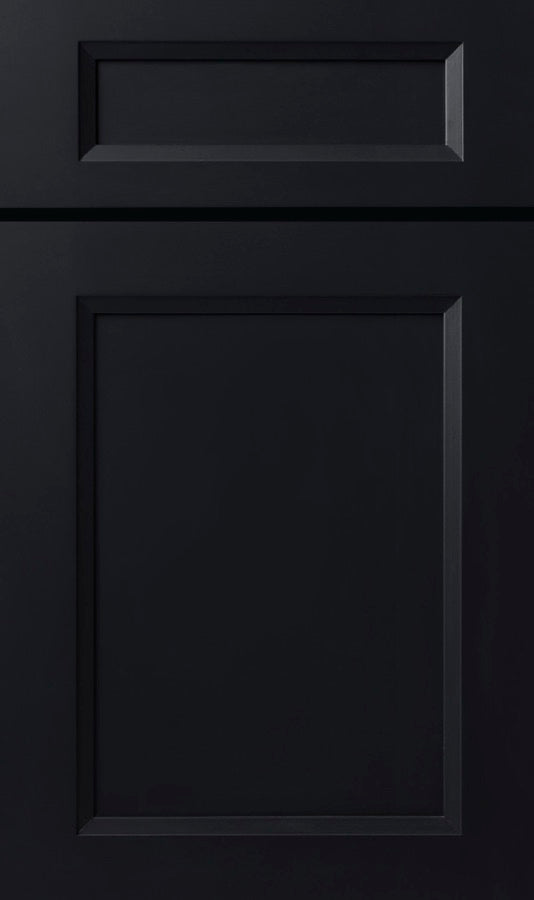
Bevel Black
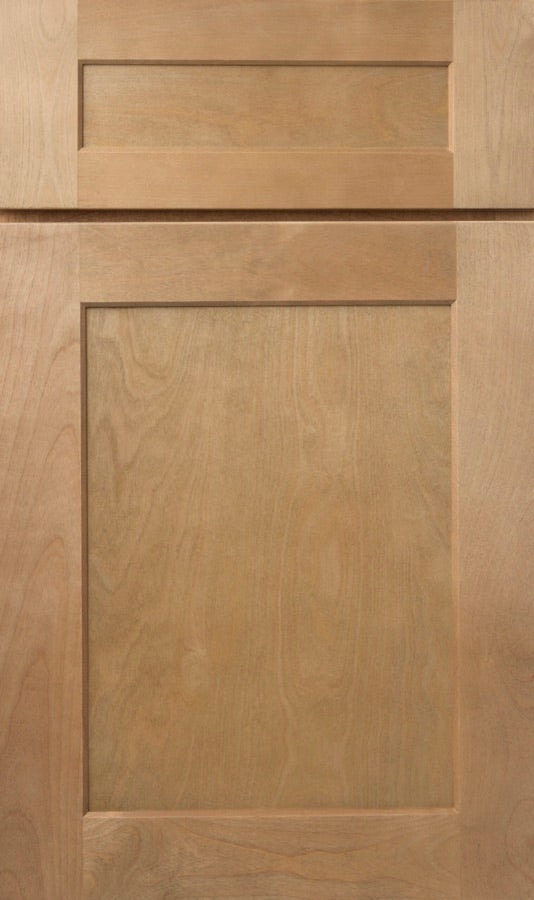
Shaker Caramel
Or let us design it for you.
Not everyone wants to draw their own kitchen, and that is fine. STL Cabinetry does a free in-house 3D photorealistic design with every customer. You can also touch real door samples at our showroom in Saint Charles, Missouri.
Questions
The straight answers.
- Is it really free?
- Yes. The design tool is free to use and there is no account to create. Open it, build your kitchen, and try as many versions as you want.
- Do I need to download anything?
- No. It runs in your browser. It works best on a laptop or desktop, where you have the screen space to draw a room comfortably.
- Can I save my design?
- Yes, with a free account. Create one from inside the tool and your design is saved to it, so you can open it again on any device you log in on. Without an account the design lasts until you close the tab.
- How do I get pricing?
- Submit your design using the quote form inside the tool. Our team prepares a free quote on exactly what you built and gets back to you. The tool itself does not show prices.
Go see your kitchen.
Open the designer, lay out your room, and pick your doors. When it looks right, send it to us and we will put together a free quote on exactly what you built.